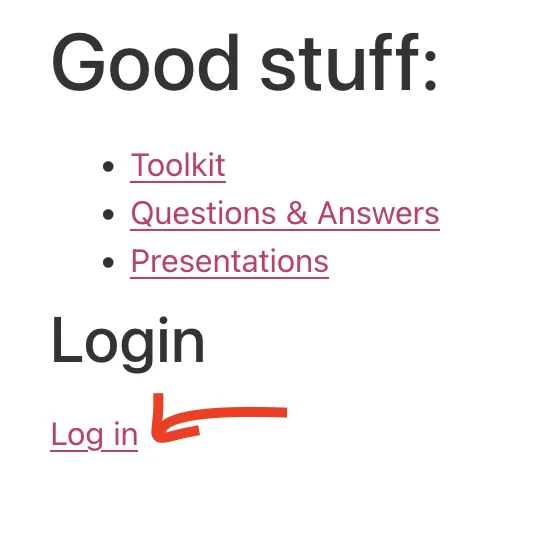
Log into WordPress by selecting Log in link:
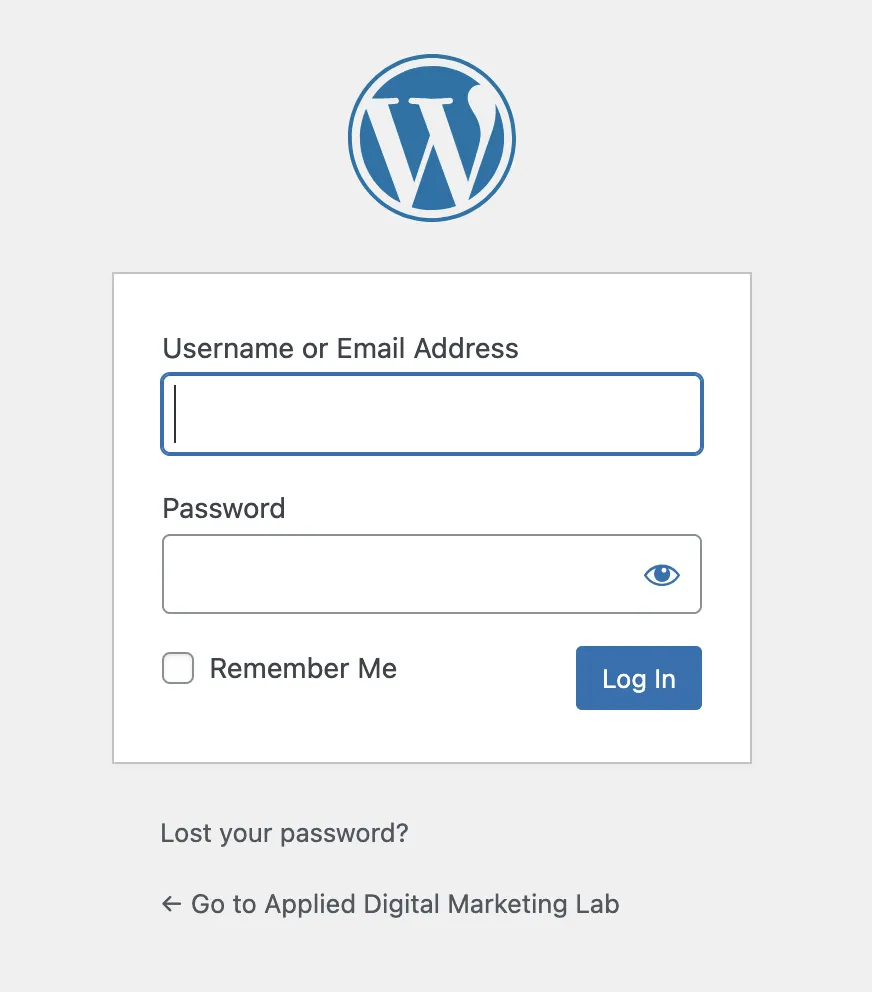
Type in your credentials that you have received by email:
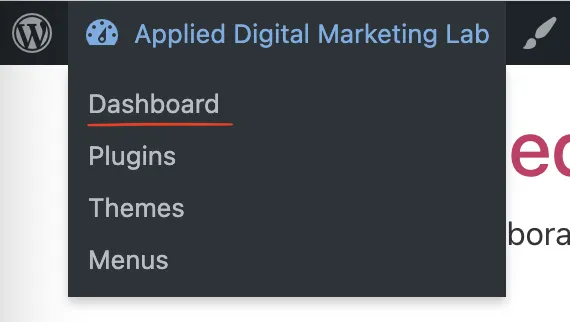
Once logged-in on top left menu choose Dashboard:
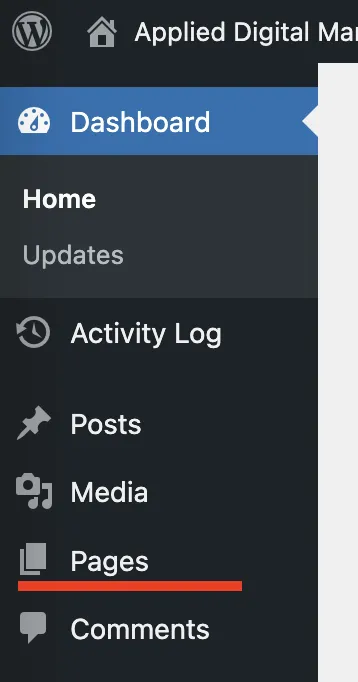
In Dashboard choose Pages:
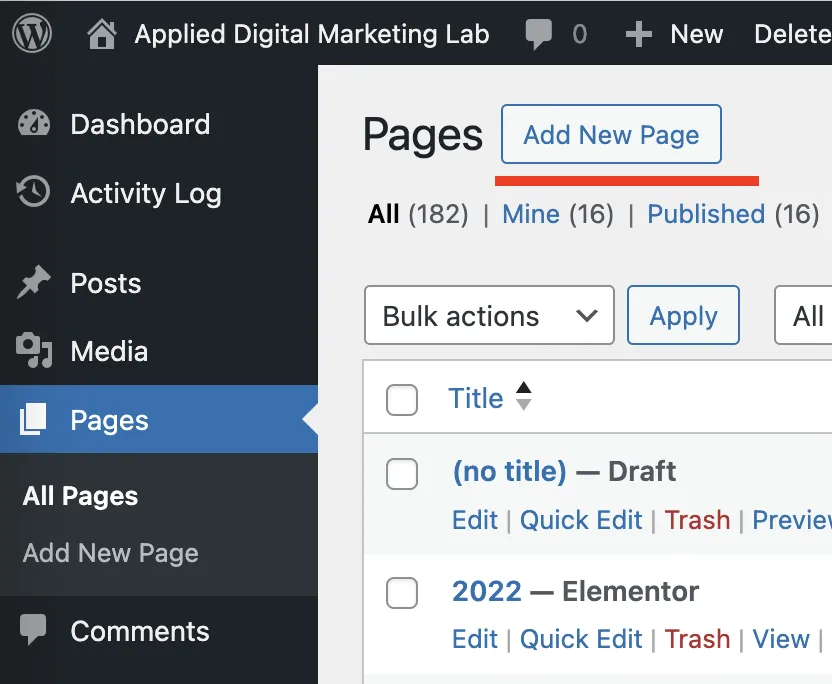
In Pages choose Add New Page button
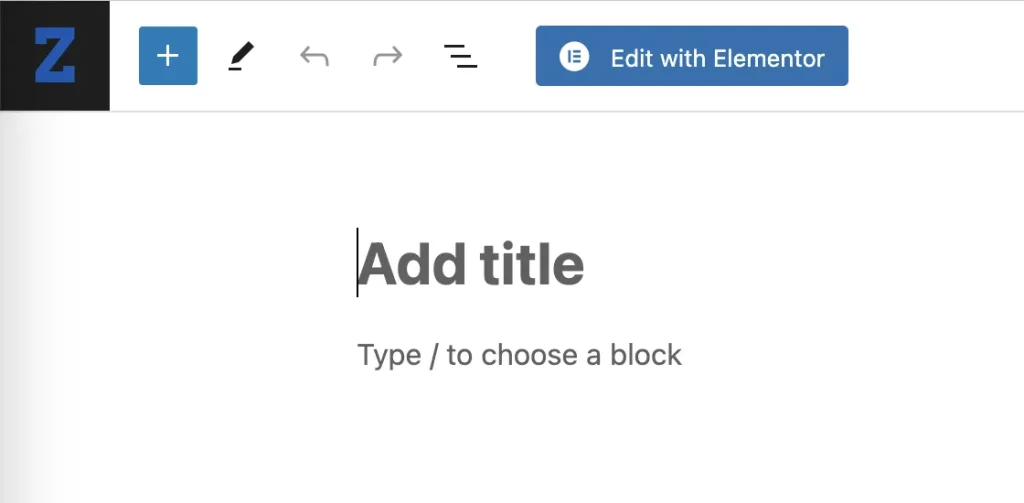
You will get screen like this:
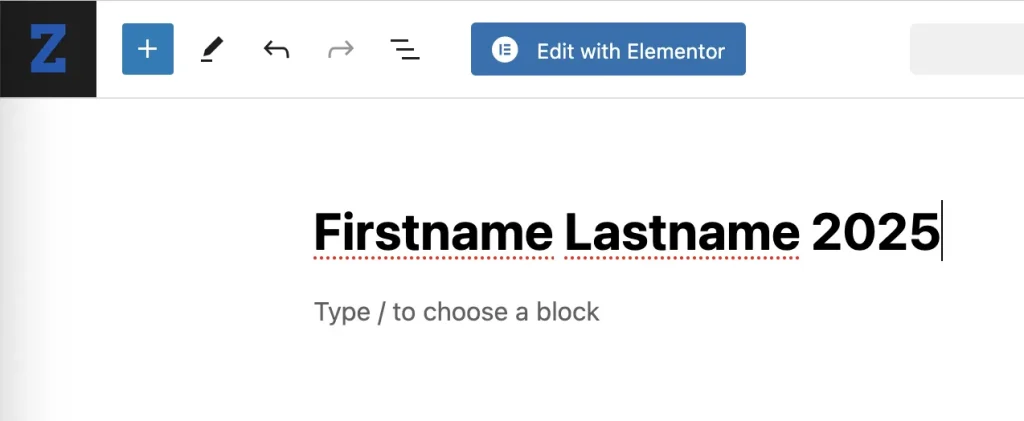
Name the page with your first name and last name and year, like pictured:
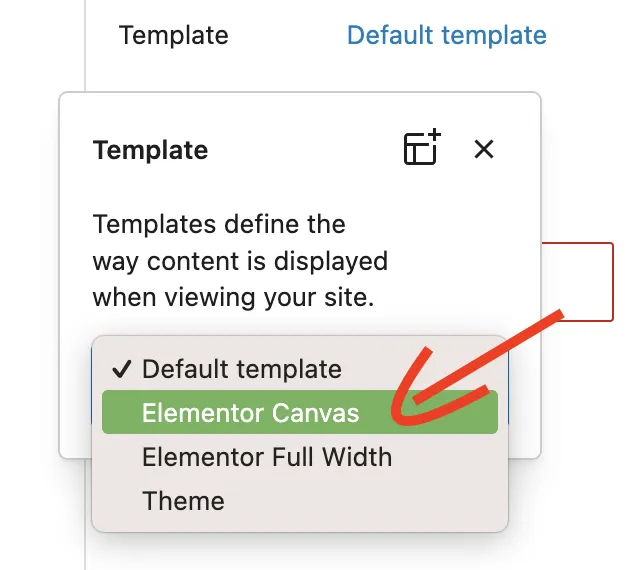
On the right, change the Template:
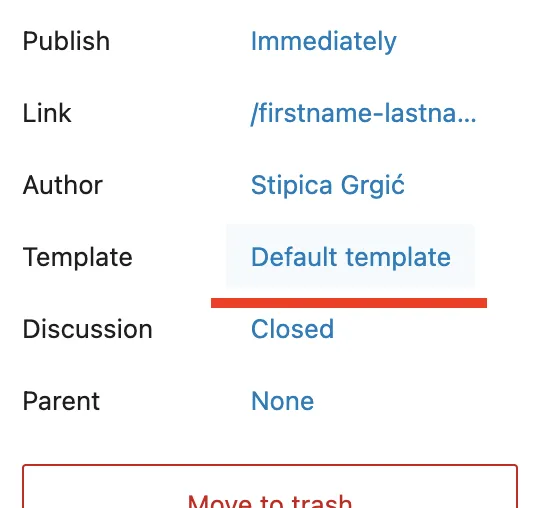
And choose Elementor Canvas template instead Default template:
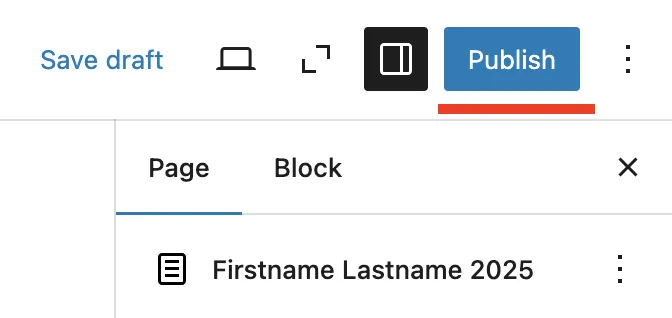
Choose Publish in upper right corner:
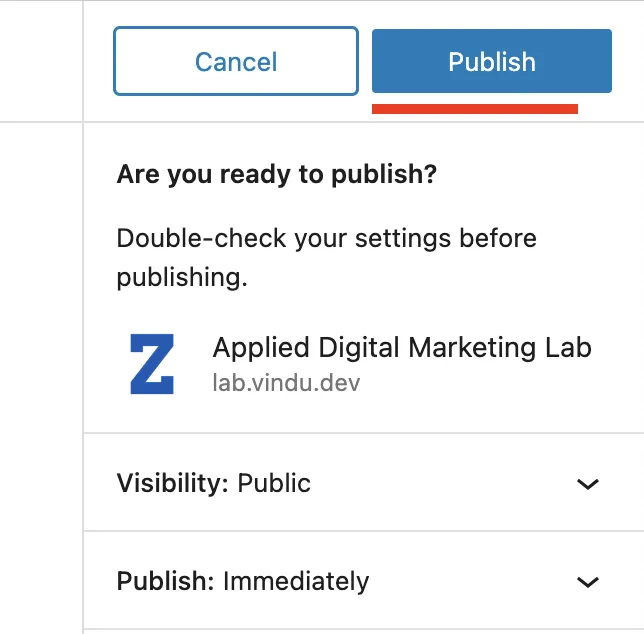
Confirm Publish action:
Now, click Edit with Elementor button in top bar:
You will enter in Elementor loading screen:

This Elementor edit mode where you can build your own page consisting of building blocks, in this case called widgets. You can drag’n’drop any, of many dozens, widget from the left sidebar to the right where you build your page:
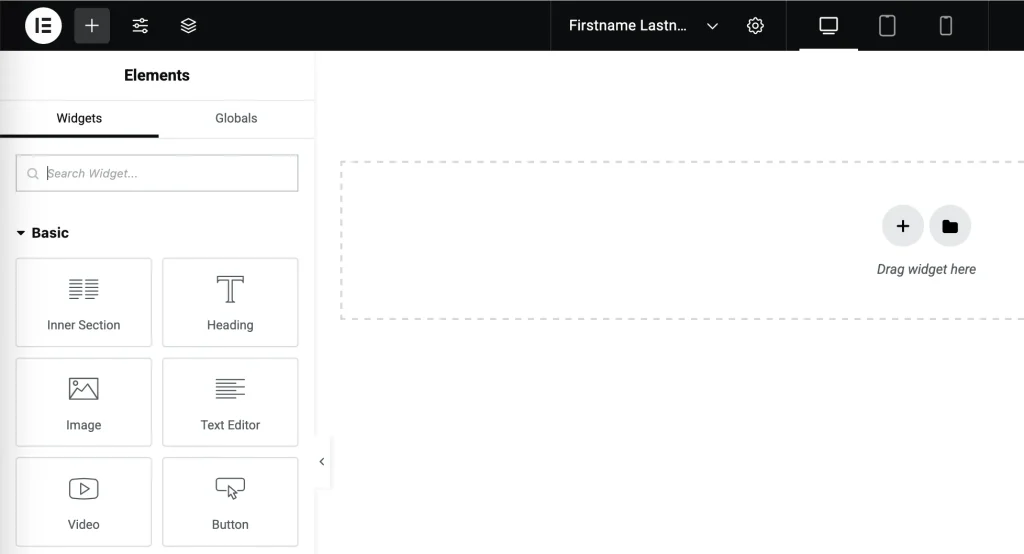
Or you can Insert a pre-designed widget from Template gallery:
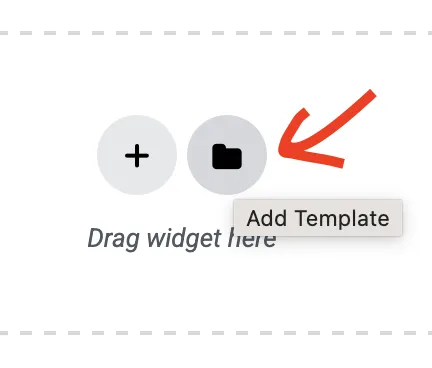
Template Library has categories of Blocks, Pages and My Templates:
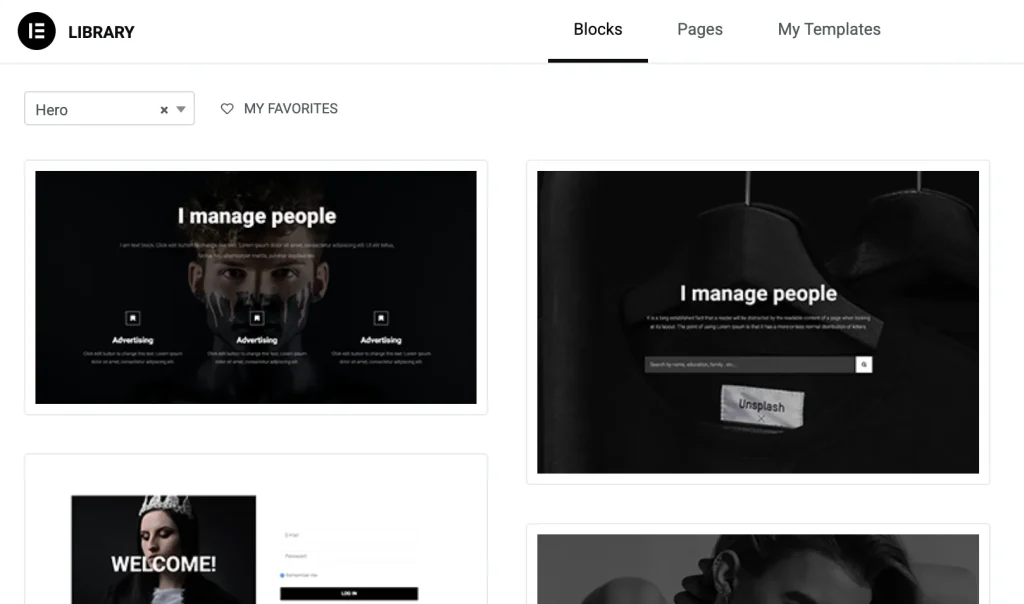
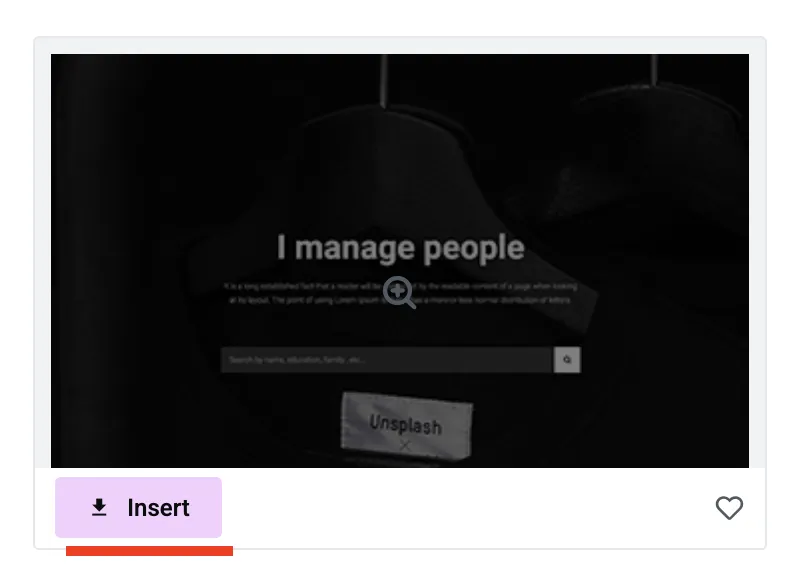
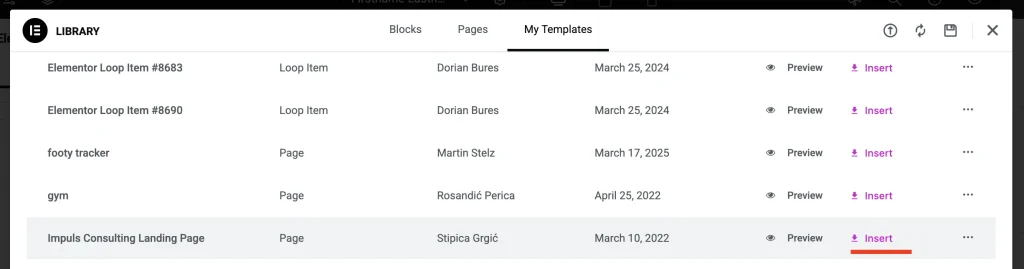
You can hover any template and insert it with Insert button:
Or you can access all our landing pages from My Templates category:
Once you have built your page save it by choosing Publish button in top right:
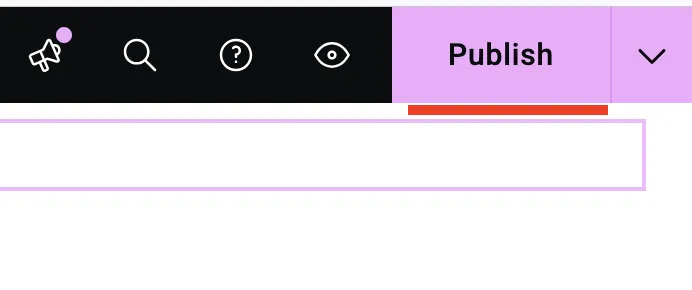
You can also use Preview so that you see page in real view mode instead edit mode:

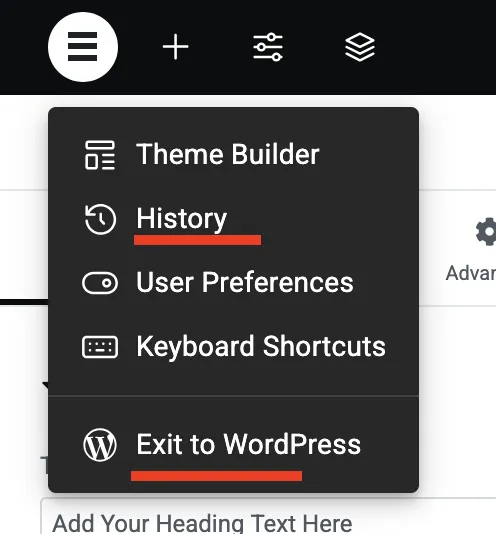
Once you finish session, you can choose Exit to WordPress in top left corner or access your version history to restore previously saved version:
When re-login into WordPress go again to Pages and in search bar find your page and click immediately Edit with Elementor.